better-ts-stack
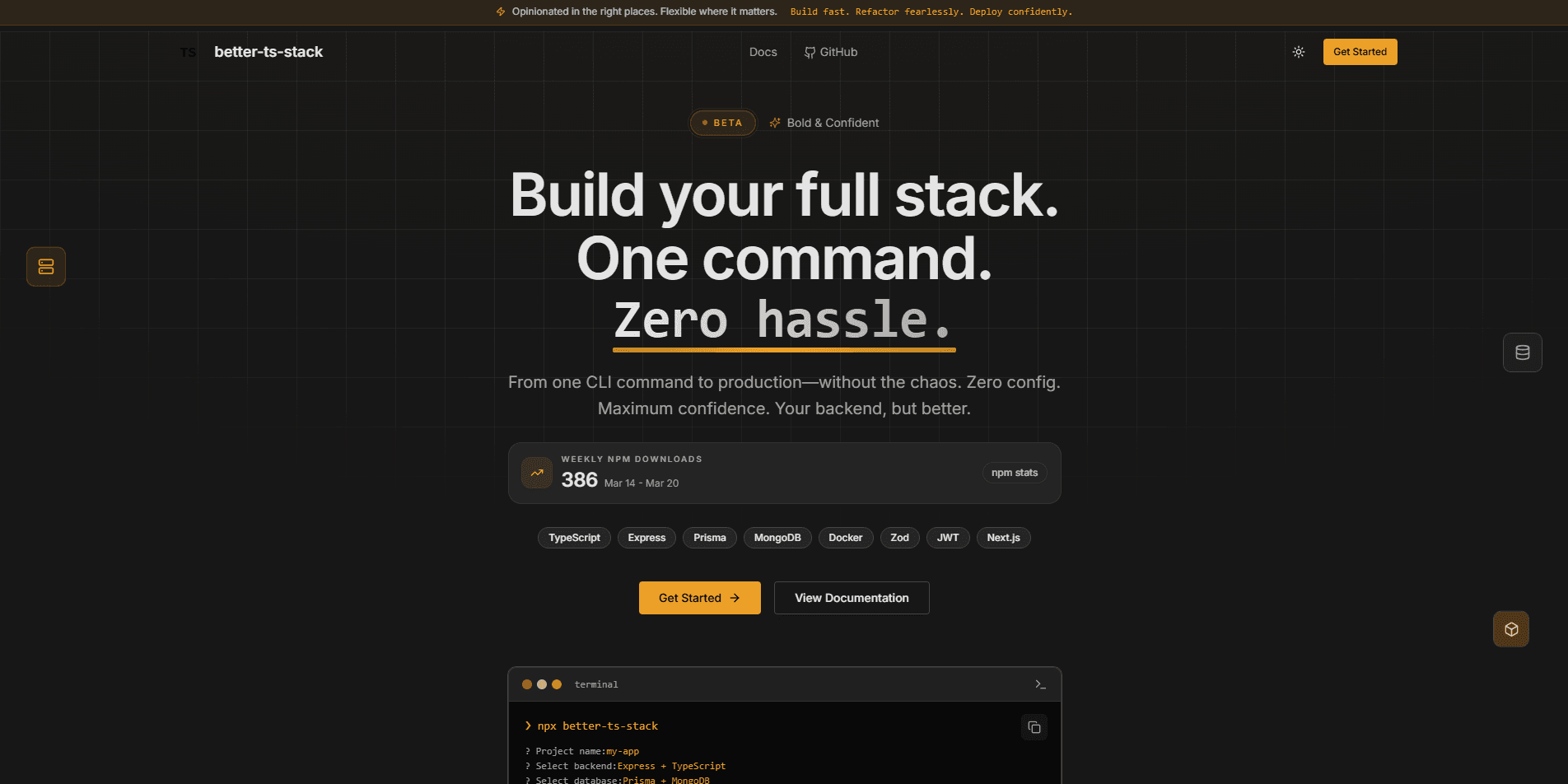
CLI that scaffolds Express, NestJS, Next.js, and TanStack Start projects with a database, authentication, and Docker already set up, through interactive prompts or flags.
Timeline
2026
Role
Developer Tooling Engineer
Status
CompletedTechnology Stack
Key Challenges
- Serving four frameworks (Express, NestJS, Next.js, and TanStack Start) from one module system, so each database, auth, and Docker option is written once per framework instead of once per combination.
- Making the same CLI work for people and for scripts: every prompt has a matching flag, missing options fall back to prompts, and --yes runs with no prompts at all.
- Keeping 180 possible stack combinations working across npm, pnpm, and Bun as framework and ORM versions move.
Key Learnings
- A generator is only as good as its worst combination, so generating, building, and smoke-testing every stack in CI matters more than adding another option.
- Prompts and flags are not competing designs. Prompts guide a first run, flags make the same tool usable in scripts and CI.
- Small failure-path details, like checking the target directory first and cleaning up a failed build, decide whether a CLI feels trustworthy.
better-ts-stack
better-ts-stack is a CLI that scaffolds TypeScript backend and full-stack projects. Answer a few prompts, or pass flags, to pick a framework, database, authentication, and Docker setup, and it writes a project that is ready to install and run.
npx better-ts-stack
What It Scaffolds
The CLI supports four frameworks across two project types:
- Backend API: Express 5 or NestJS 12
- Full-stack App: Next.js 16 (App Router) or TanStack Start, both with React 19 and Tailwind CSS v4
Each framework can be combined with the same set of optional modules. Only the modules you select are added:
- Database: PostgreSQL with Prisma or Drizzle, or MongoDB with Mongoose
- Authentication: JWT auth with bcrypt and Zod request validation for Express and NestJS, Better Auth for Next.js and TanStack Start
- Docker: a multi-stage, framework-aware
Dockerfile,docker-compose.yml, and.dockerignore - Setup: npm, pnpm, or Bun, with optional git initialization and dependency installation
Every generated project comes with strict TypeScript, ESLint and Prettier, environment variable files, hot reload, and ready-to-run scripts. Backend projects also include a /health endpoint.
Prompts or Flags
The first versions were prompt-only. Version 2 gives every prompt a matching flag, so the same tool works interactively and in scripts or CI:
# No prompts at all
npx better-ts-stack my-api --framework nestjs --database prisma --auth --yes

# Create the project in the current directory
npx better-ts-stack . --framework nextjs --database drizzle --pm pnpm
Options you leave out are still asked interactively, unless you pass --yes. --dry-run shows what would be created without writing files, and the project path can be a name, a nested path such as apps/api, or . for the current directory.
Why I Built It
I kept wiring the same setup at the start of every TypeScript project: strict compiler options, linting, environment variables, a database client, auth, and a Dockerfile. I wanted a generator that produces that baseline in minutes while leaving the choice of framework and ORM to the developer.
How It Stays Reliable
A scaffolding tool is easy to break without noticing, because a change to one template can affect many stacks. The repository tests the full matrix:
- All 180 combinations of framework, database, auth, package manager, and Docker are generated and checked
- Generated projects are installed, built, type-checked, linted, and smoke-tested over HTTP, including sign-up, login, and protected routes against real PostgreSQL and MongoDB databases
- Docker projects have their images built and run next to a real database container, with the same HTTP checks repeated
- CI runs lint, type-check, and the template matrix on Linux and Windows for every push and pull request
The CLI also fails cleanly. A non-empty target directory is reported right after the project name is entered, and a failed build removes the partial project so the command can be run again.
Impact
This project reflects the kind of tooling work I enjoy most: smoothing out developer onboarding, encoding best practices into reusable generators, and making production-ready setup approachable for both solo developers and teams. It is published on npm as better-ts-stack, with full documentation on the project site.